You decide what left + right means
Two opposite directions at once is where leverless controllers differ. Pick the rule per profile. Hold both keys below, or A and D on your keyboard.
 Buy
Drag to spin · press the keys
Home / Jabslab
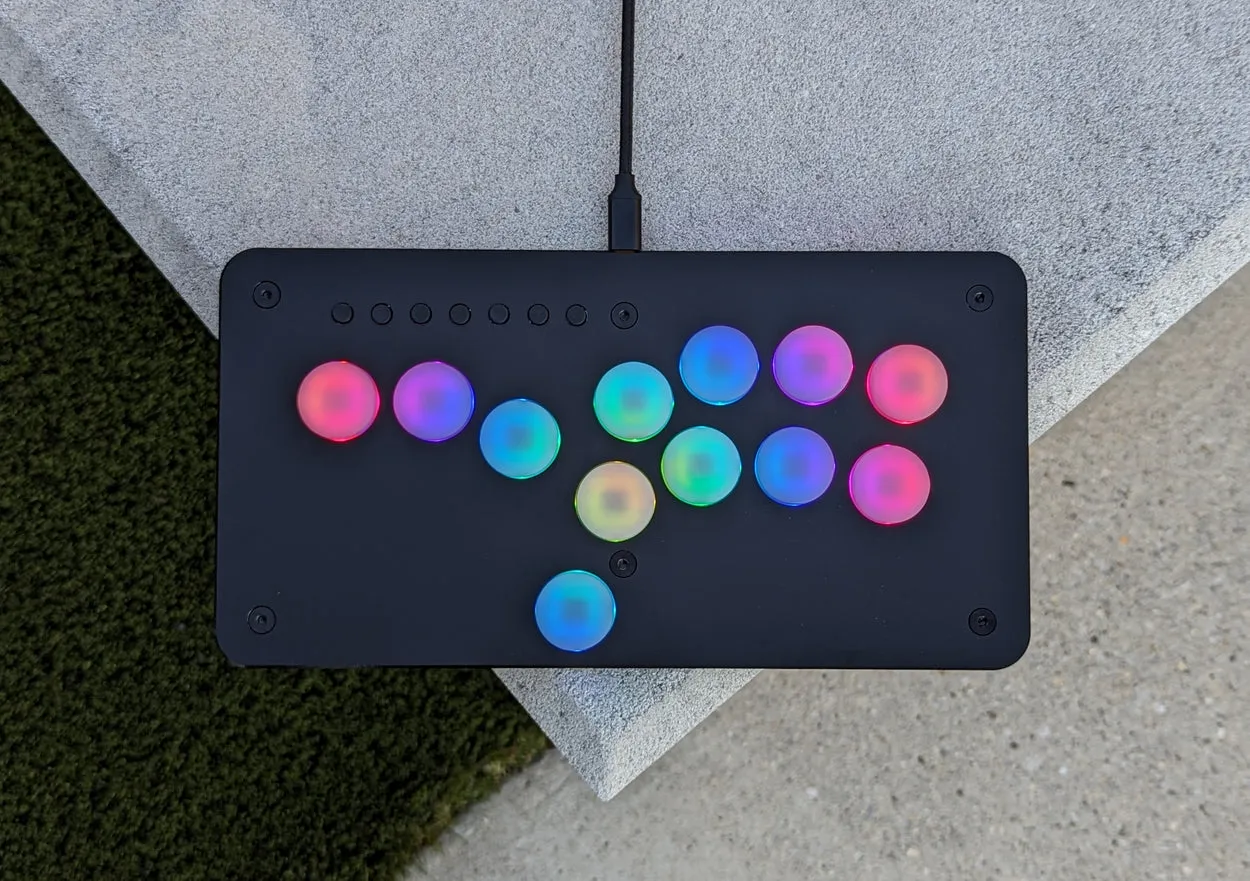
Twelve keys in a 250 mm body. The leverless layout for fighting games, small enough to live in your bag.
$215 USD
Lights
The Jabslab runs the same light engine as the Superslab: the same patterns, colours and reactions to every press.
Layout
Left, down and right on three fingers, up on your thumb, eight buttons on the right hand. Every key can be remapped.
Firmware and config page 1.0
Hold a menu button as you plug in and the slab serves its own settings page. No app, no driver, no account. Everything below is a working piece of it, so go ahead and press things.
Two opposite directions at once is where leverless controllers differ. Pick the rule per profile. Hold both keys below, or A and D on your keyboard.
Each game gets its own coordinate set. Hold a modifier and the stick lands on the value you chose, every time.
One per key. Hold a key as you plug in and the slab starts in that profile, so your Melee and PC setups travel with it.
1 · Melee, tournament
Pick a key, pick what it does. On the real page you can also press the key on the slab and the page finds it.
Share a setup as a code, a link, a QR or a .slab file. Whoever gets it can try it live before saving it.
The page graphs what your light setup draws and the slab holds it under the limit: 400 mA on USB, 190 mA on a GameCube port.
One slab speaks to all of these, and the Live tab shows each key, stick and trigger as the slab reports it.
Key test · tap each one
This is the page that ships on the slab, talking to a pretend slab. Three things to try:
Runs here against a pretend Superslab on firmware 1.0.
Specs