You decide what left + right means
Two opposite directions at once is where leverless controllers differ. Pick the rule per profile. Hold both keys below, or A and D on your keyboard.
 Buy
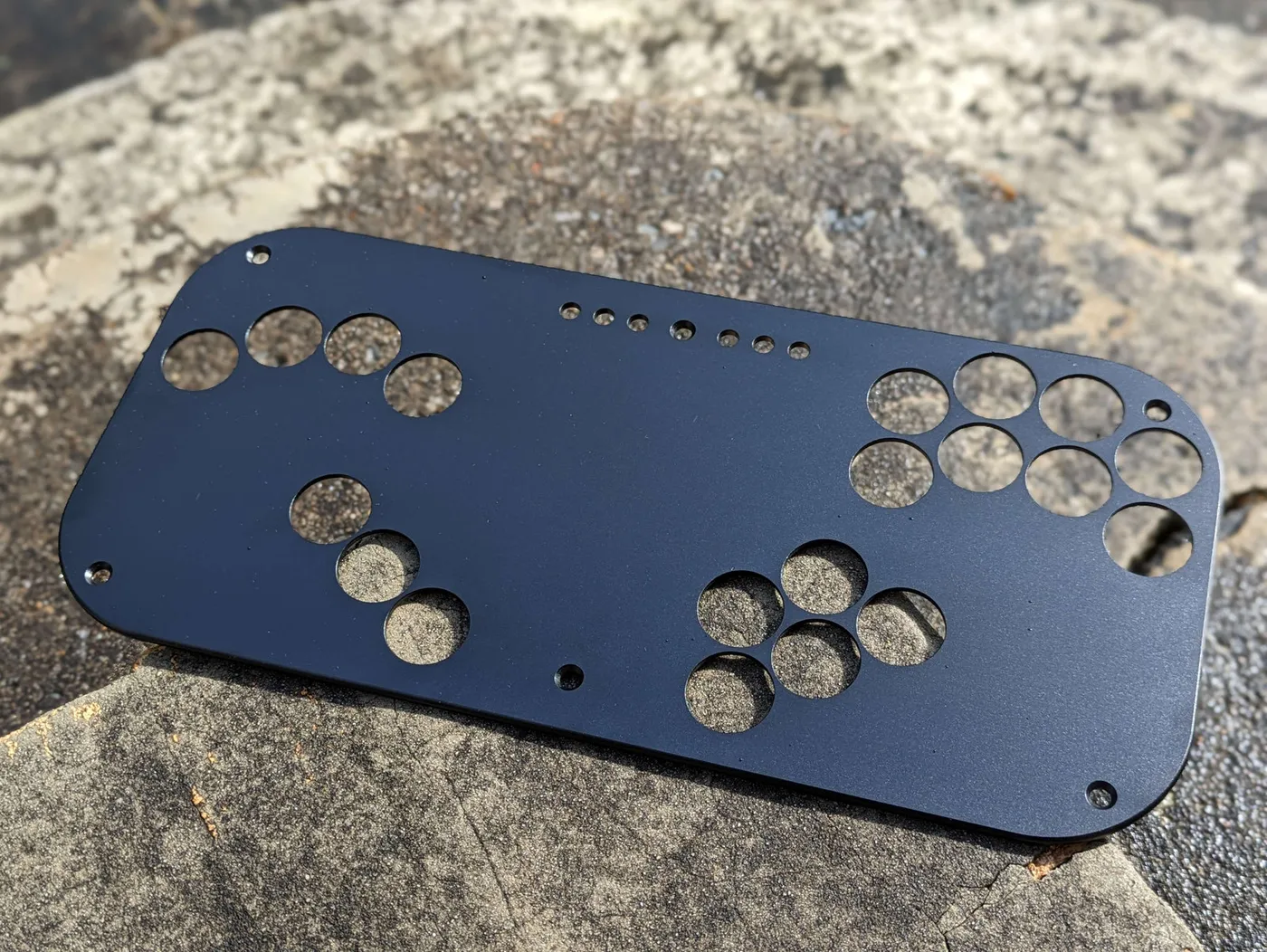
Superslab is a 20-key leverless controller for Smash and everything after it. 15 mm thin, lit under every key, set up from any browser.
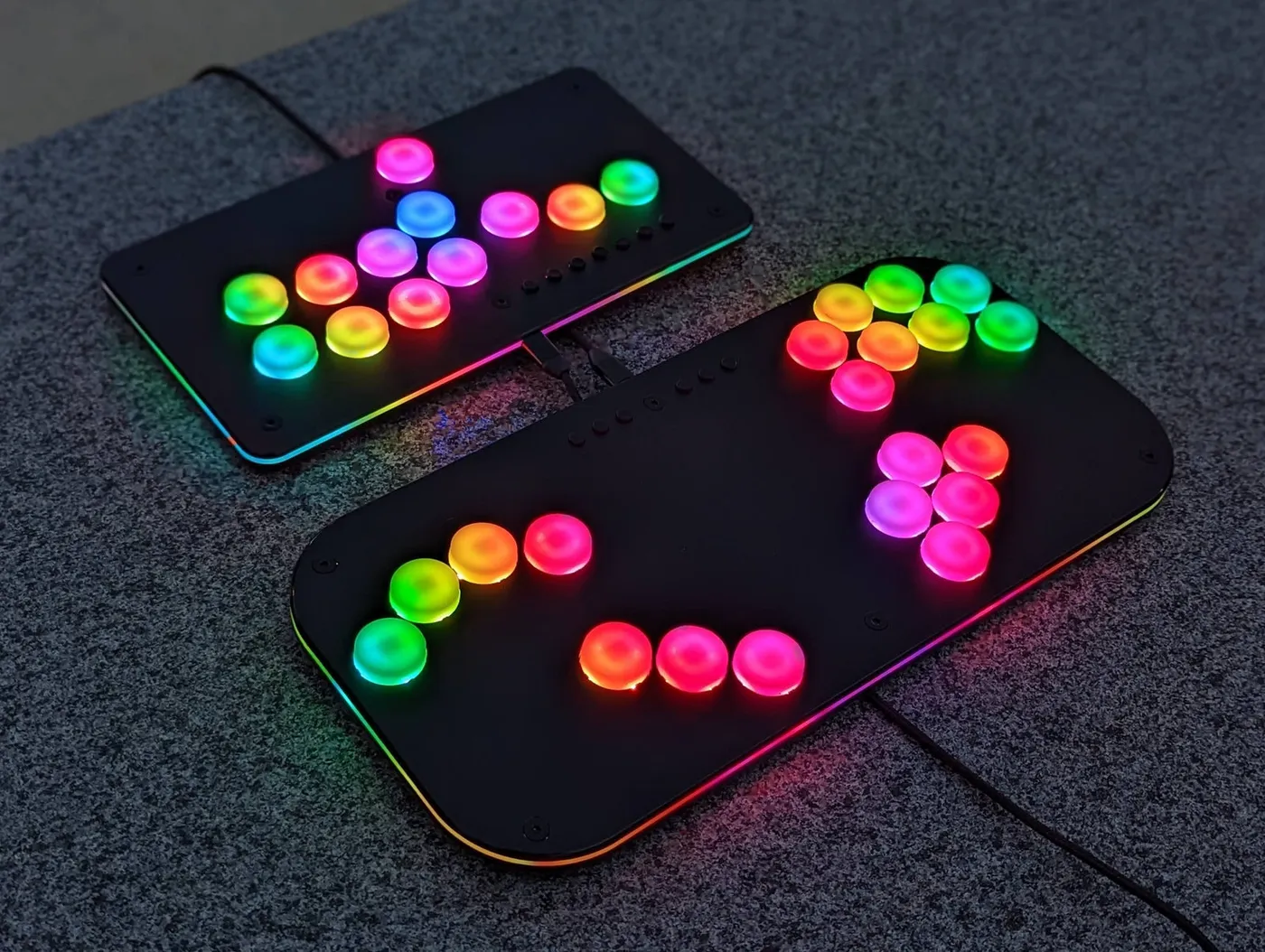
Drag to spin · press the keys
Inside the slab
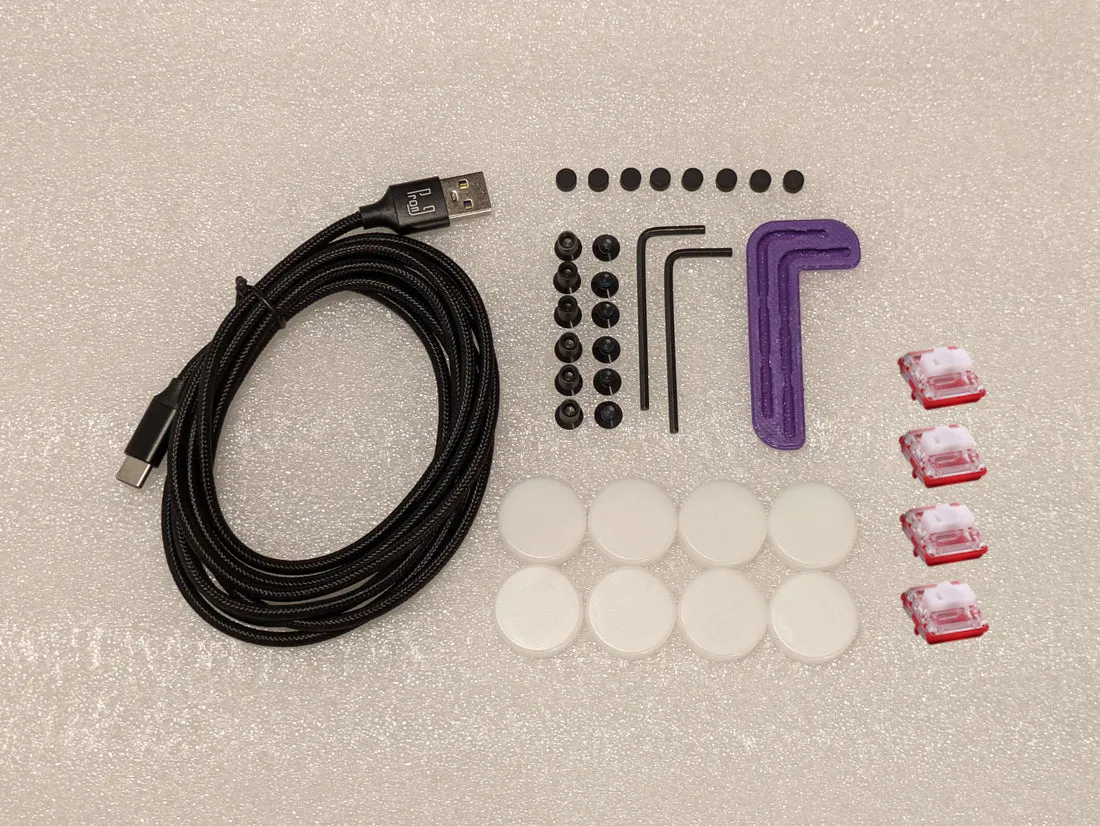
Scroll to take it apart. Everything comes off with the hex key in the box, so swapping a switch or a faceplate is something you can do yourself.
Firmware and config page 1.0
Hold a menu button as you plug in and the slab serves its own settings page. No app, no driver, no account. Everything below is a working piece of it, so go ahead and press things.
Two opposite directions at once is where leverless controllers differ. Pick the rule per profile. Hold both keys below, or A and D on your keyboard.
Each game gets its own coordinate set. Hold a modifier and the stick lands on the value you chose, every time.
One per key. Hold a key as you plug in and the slab starts in that profile, so your Melee and PC setups travel with it.
1 · Melee, tournament
Pick a key, pick what it does. On the real page you can also press the key on the slab and the page finds it.
Share a setup as a code, a link, a QR or a .slab file. Whoever gets it can try it live before saving it.
The page graphs what your light setup draws and the slab holds it under the limit: 400 mA on USB, 190 mA on a GameCube port.
One slab speaks to all of these, and the Live tab shows each key, stick and trigger as the slab reports it.
Key test · tap each one
This is the page that ships on the slab, talking to a pretend slab. Three things to try:
Runs here against a pretend Superslab on firmware 1.0.
What do you play?
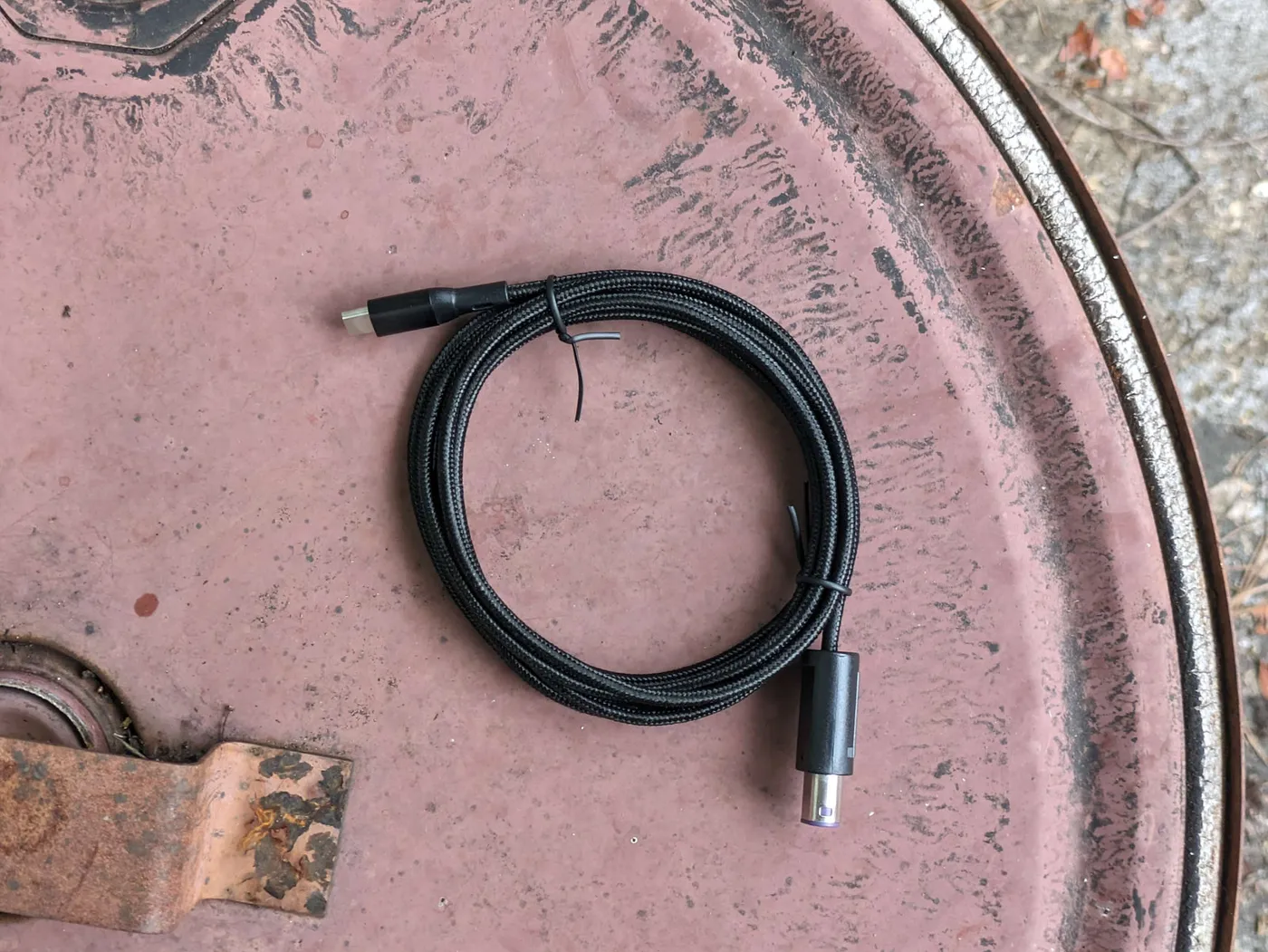
Plugs straight into a GameCube or Wii with the cable in the box. Two modifiers under your thumb give you the exact angles for firefox, wavedash and shield drop.
P+ reads the stick differently from Melee, so it gets its own coordinate set. Same layout, same muscle memory, the right numbers.
Plug into the Switch dock over USB, or through a GameCube adapter. The Ultimate coordinate set gives you tilts and angled specials without a stick.
XInput for Steam, Rivals 2 and fighting games. DirectInput for older ones. Keyboard mode turns every key into any key you like.
The slabs
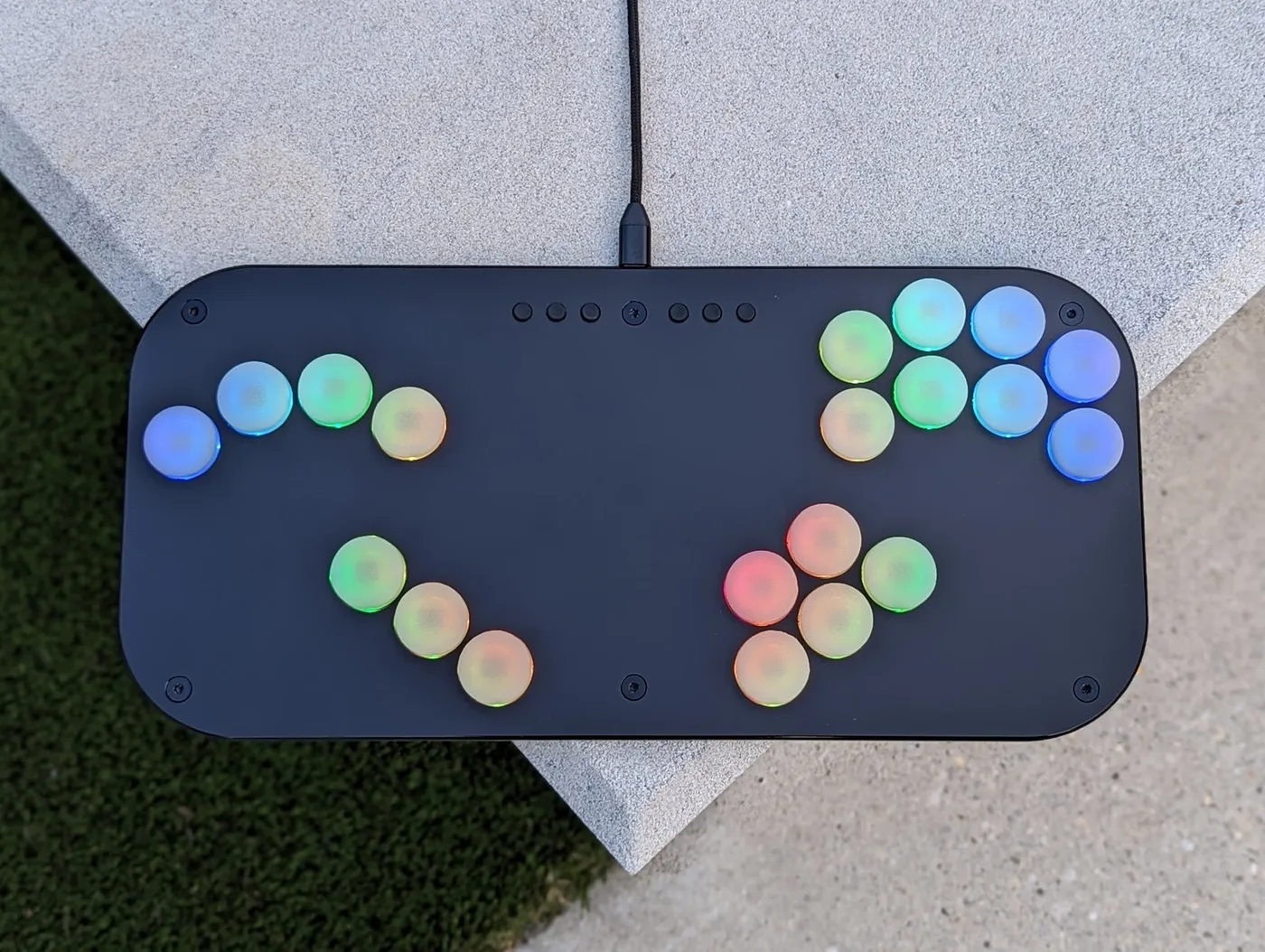
The 20-key Smash layout. Modifiers, C-stick, three shield depths, a gyro.
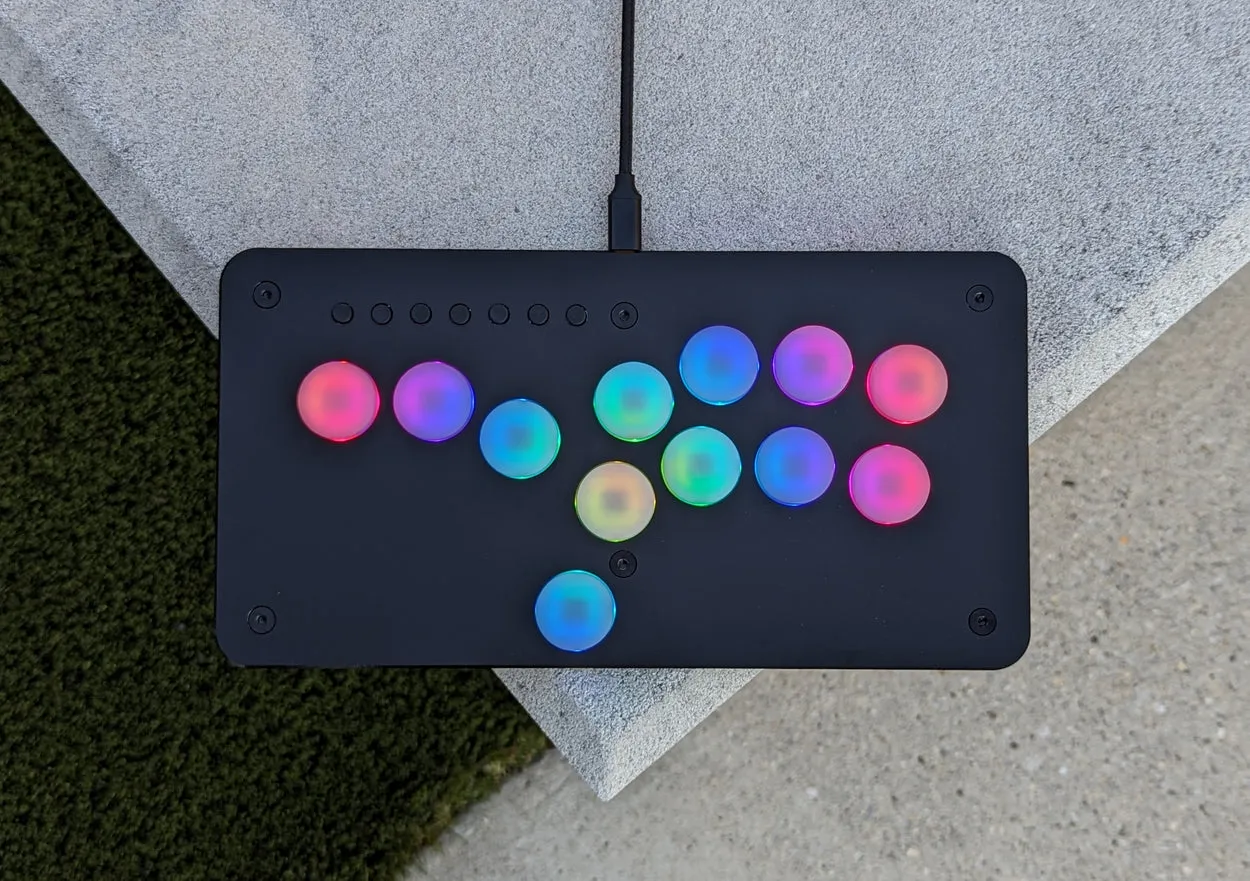
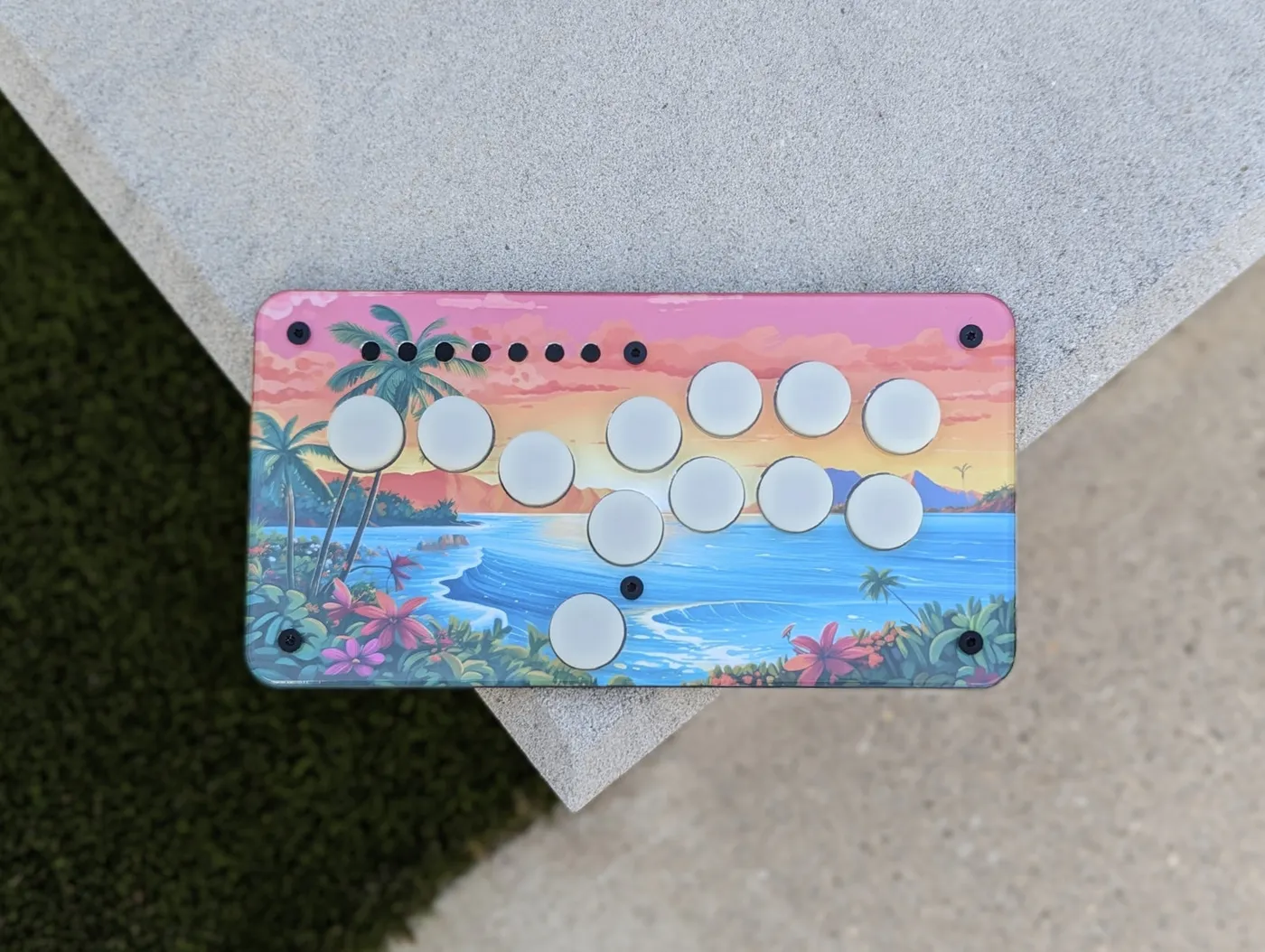
Twelve keys in a 250 mm body. The fighting-game layout that fits in a jacket pocket.
| Superslab | Jabslab | |
|---|---|---|
| Keys | 20 + 6 menu buttons | 12 + 7 menu buttons |
| Best at | Melee, P+, Ultimate, Rivals 2 | Fighting games, travel |
| Size | 340 × 160 × 15 mm | 250 × 130 mm |
| Lights | 80 LEDs | 48 LEDs |
| Config page 1.0 | Yes | Yes |
Make it yours
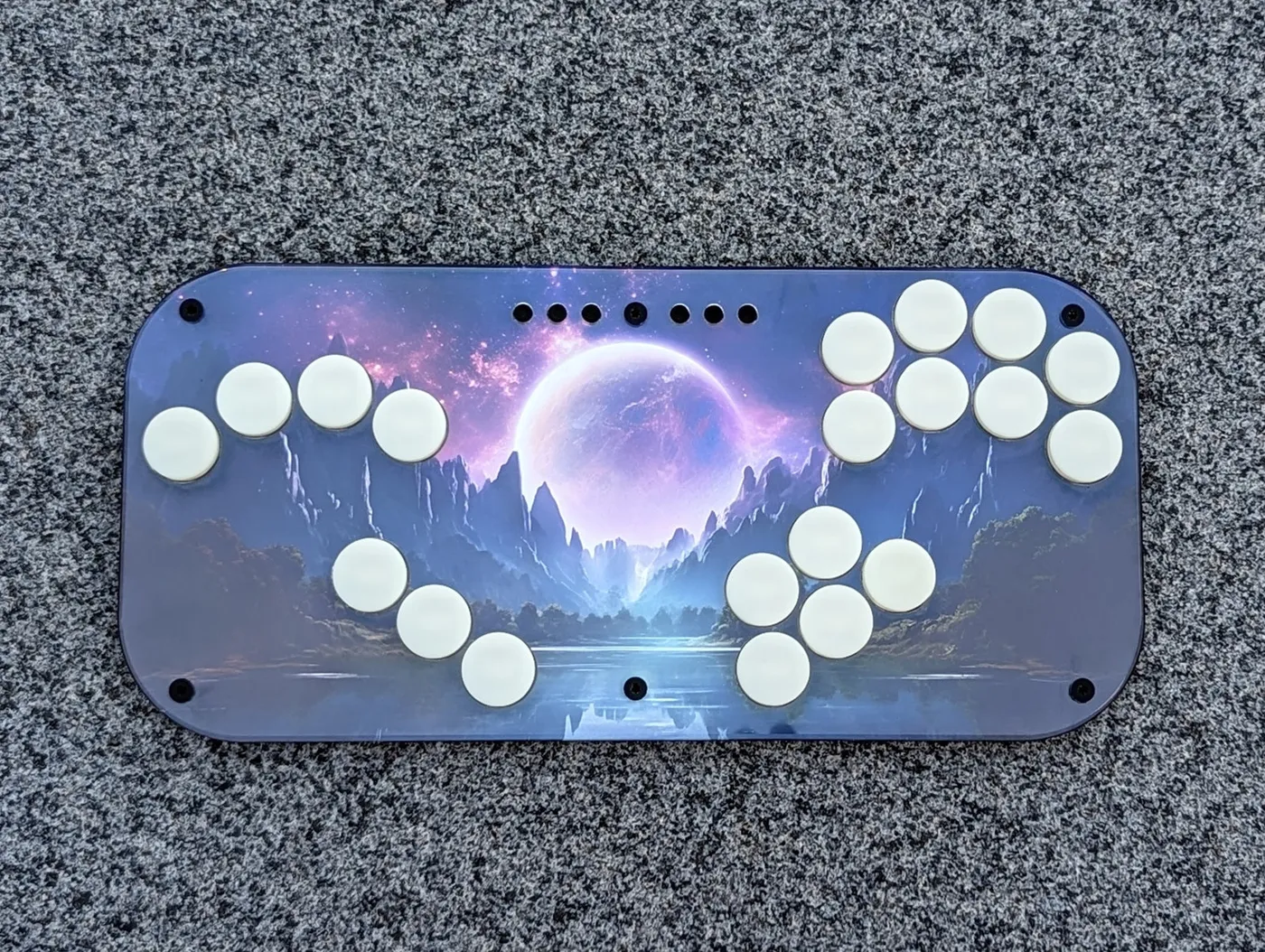
Every Superslab ships with a clear top as well as the black one. Print the template, slide it under, done.
Parts
Community
Built in monthly batches. Order now and yours ships with the next one.